





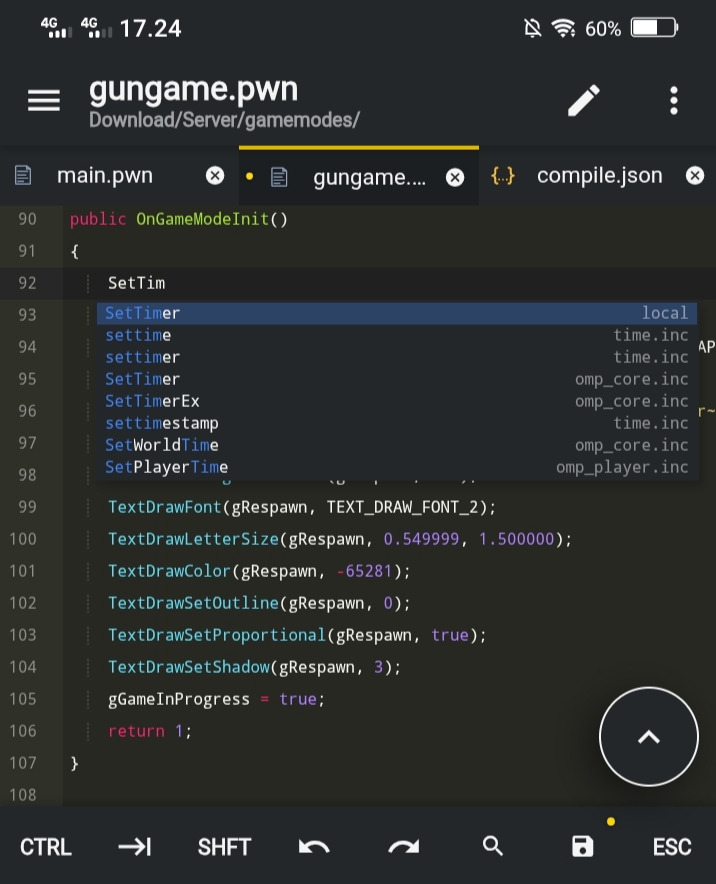
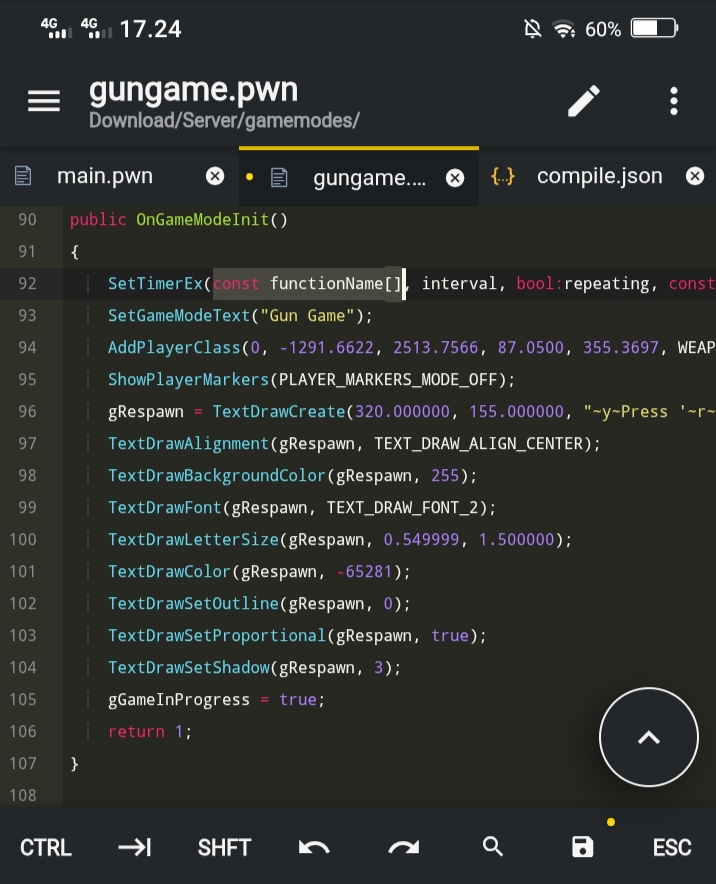
Pawn-Kit provides syntax highlighting, snippets, and autocompletion for SA-MP / open.mp along with support for popular plugins, plus a built-in Pawn compiler — all in one Acode plugin for Android.
- Syntax highlighting for
.pwnand.incfiles - 1900+ snippets from SA-MP / open.mp natives and popular plugins
- Autocomplete with optional function descriptions
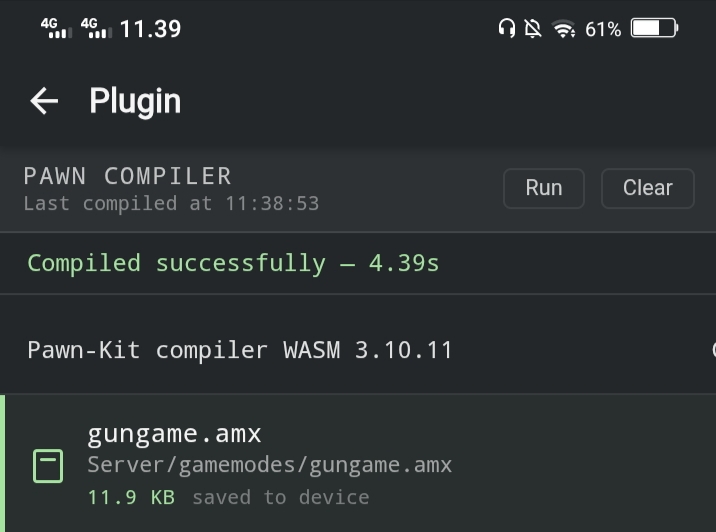
- Built-in Pawn compiler (pawncc 3.10.11)
Search for Pawn-Kit in Acode's plugin manager and install it.
Tip
For the best syntax highlighting experience, it is recommended to use the Monokai theme, as the syntax color scheme is based on the Sublime Text Pawn Kit.
To compile your script, press Ctrl+Shift+B or F5 while a .pwn file is open.
Compiler output and errors will appear in the compiler UI and will also be written to .pawn/compile.log.
The compiler must be enabled first via Settings → Plugin → Pawn-Kit → Settings → Enable Pawn Compiler.
Pawn-Kit reads a .pawn/compile.json file in the project root to configure the compiler.
Create the folder and file:
your-project/
└── .pawn/
    └── compile.json
Then paste the following into compile.json:
{
  "version": "1.0",
  "tasks": [
    {
      "label": "build",
      "args": ["${file}", "-D${fileDirname}", "-;+", "-(+", "-d3"],
      "includes": ["${workspaceRoot}/qawno/include", "${workspaceRoot}/gamemodes/src"],
      "group": { "kind": "build", "isDefault": true }
    }
  ]
}"args" defines the flags passed to pawncc:
${file}— the currently open.pwnfile-D${fileDirname}— sets the output directory to the same folder as the source file-;+— enforce semicolons-(+— enforce brackets in statements-d3— enable full debug symbols (remove this if you don't use crashdetect)
"includes" is an array of include directories. Adjust these paths to match your project structure. Common paths:
${workspaceRoot}/qawno/include— default SA-MP / open.mp include folder${workspaceRoot}/gamemodes/src— custom include folder
${workspaceRoot} resolves to your project's root directory.
| Key | Default | Description |
|---|---|---|
snippetDocs |
false |
Show brief docs about snippets in autocomplete |
enableCompiler |
false |
Enable Pawn compiler via Ctrl+Shift+B. Requires .pawn/compile.json in project root |
- pawn-openmp-sublime-kit by punkochel
- Fanorisky — project author
MIT License — See the LICENSE file for details.